
UniQrOnline
Add your logo to a scannable QR code
Create polished QR codes with a centered logo, custom padding, brand colors, templates, and export formats ready for print and digital use.
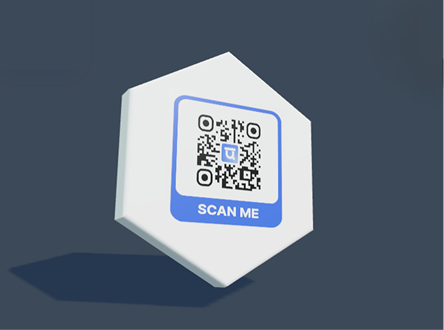
Live QR preview and export tools
Preview the QR, apply templates and logos, then export print-ready files.
Features
Built for real campaigns
Logo upload and logo size controls
Brand color and saved style support
Template and frame customization
Transparent and vector export options
Use cases
Where this page fits best
Brand campaigns
Packaging and labels
Business cards
Presentation and signage links
Create account
FAQ
Common questions
Can I edit the QR after printing?
Static QR codes cannot be edited after printing, but you can create a dynamic QR when you need future edits.
Can I use my logo and brand colors?
Yes. You can add a logo, choose colors, use templates, and save brand assets for repeated campaigns.
Can scans be tracked?
Dynamic QR scans can be tracked in the dashboard and can also send events to GA4 or HubSpot when configured.
Explore