
Create a free QR code online
Create a simple QR code when you need something fast, clean, and ready to print. UniQR Online lets you build static QR codes for websites, menus, forms, social links, classroom resources, flyers, and posters without needing a complicated setup.
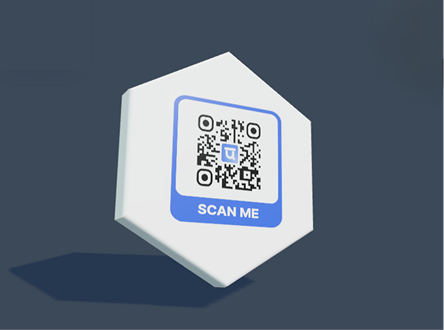
Live QR preview and export tools
Preview the QR, apply templates and logos, then export print-ready files.
Create a simple QR code when you need something fast, clean, and ready to print. UniQR Online lets you build static QR codes for websites, menus, forms, social links, classroom resources, flyers, and posters without needing a complicated setup.
Built for real campaigns
Static QR creation for URLs and common content types
Logo, color, frame, and template controls
PNG, transparent PNG, JPG, SVG, and PDF export options
Optional upgrade path when a printed QR needs editing later
Where this page fits best
Common questions
Can I edit the QR after printing?
Static QR codes cannot be edited after printing, but you can create a dynamic QR when you need future edits.
Can I use my logo and brand colors?
Yes. You can add a logo, choose colors, use templates, and save brand assets for repeated campaigns.
Can scans be tracked?
Dynamic QR scans can be tracked in the dashboard and can also send events to GA4 or HubSpot when configured.