
Edit QR links after printing
Dynamic QR codes are made for real campaigns where the link may change later. Instead of reprinting flyers, signs, packaging, menus, or event materials, you can update the destination from your dashboard.
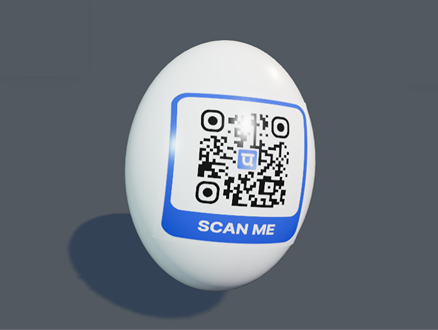
Live QR preview and export tools
Dynamic QR code dashboard showing editable destination links and scan tracking
Use dynamic QR codes for seasonal promotions, changing menus, event schedules, product inserts, school forms, and agency campaigns. UniQR Online also supports scan tracking, project organization, custom short links, expiration settings, and analytics integrations so you can understand how printed materials perform.
Built for real campaigns
Editable destination URLs after print
Scan logs, limits, expiration dates, and projects
Custom short links and public base URLs
GA4 and HubSpot scan-event support
Where this page fits best
Common questions
Can I edit the QR after printing?
Yes. Dynamic QR codes route through the dashboard, so the destination can be changed after printing.
Can I use my logo and brand colors?
Yes. You can add a logo, choose colors, use templates, and save brand assets for repeated campaigns.
Can scans be tracked?
Dynamic QR scans can be tracked in the dashboard and can also send events to GA4 or HubSpot when configured.