
UniQrOnline
QR codes for signs, tickets, and guest journeys
Build event QR codes for registration, check-in, schedules, maps, sponsor pages, feedback forms, and post-event promotions.
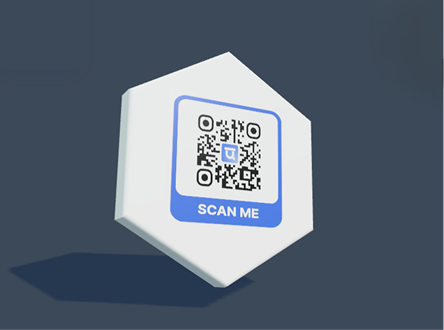
Live QR preview and export tools
Preview the QR, apply templates and logos, then export print-ready files.
Features
Built for real campaigns
Dynamic destination updates
Project-level event organization
Print-ready exports and branded frames
Scan analytics for attendance and engagement
Use cases
Where this page fits best
Trade events
Weddings and private events
Community programs
Festivals and conferences
Create account
FAQ
Common questions
Can I edit the QR after printing?
Static QR codes cannot be edited after printing, but you can create a dynamic QR when you need future edits.
Can I use my logo and brand colors?
Yes. You can add a logo, choose colors, use templates, and save brand assets for repeated campaigns.
Can scans be tracked?
Dynamic QR scans can be tracked in the dashboard and can also send events to GA4 or HubSpot when configured.
Explore